
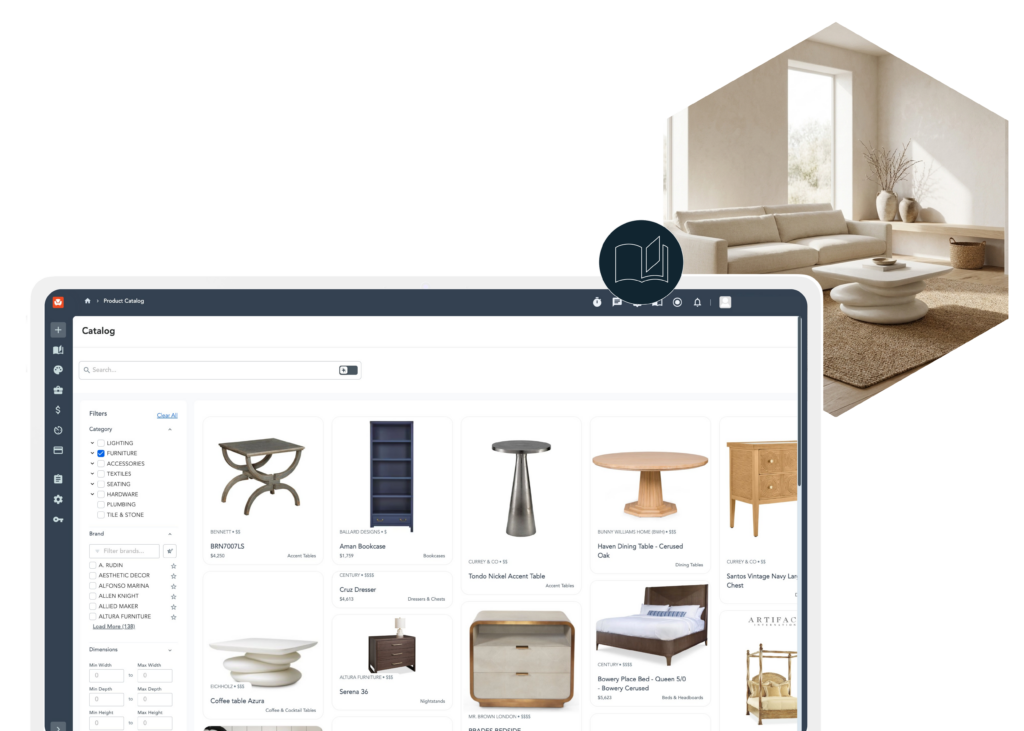
Discover, design and deliver with Connected Catalog
Browse 250,000+ trade-focused products, bring concepts to life with AI rendering, and add pieces directly to your projects — all inside Studio Designer.
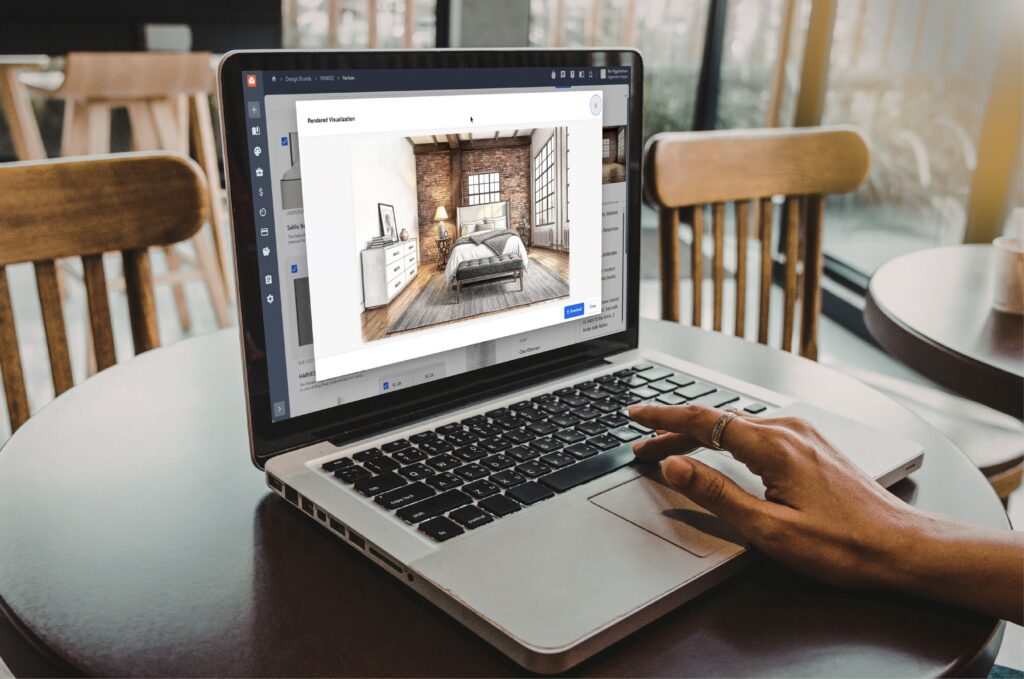
The only place to browse, visualize, and specify without switching tools
Stop switching tools. Start designing in one place with Connected Catalog. Explore a catalog of 250,000+ products, visualize ideas with ease, and move seamlessly from concept to project-ready selections—without the usual back and forth.
Everything you need to source smarter and spec faster

Discover trusted products
Browse 250,000 SKUs from 130+ trade-focused brands.

Find what fits faster
Search the catalog by keyword, AI prompt, or image. Stop hunting, start specifying.

One click to project-ready
Convert your selected products into a project item and move straight into procurement.

See it before you spec it
Turn selections into AI-generated renders. Clearer presentations, faster buy-in.
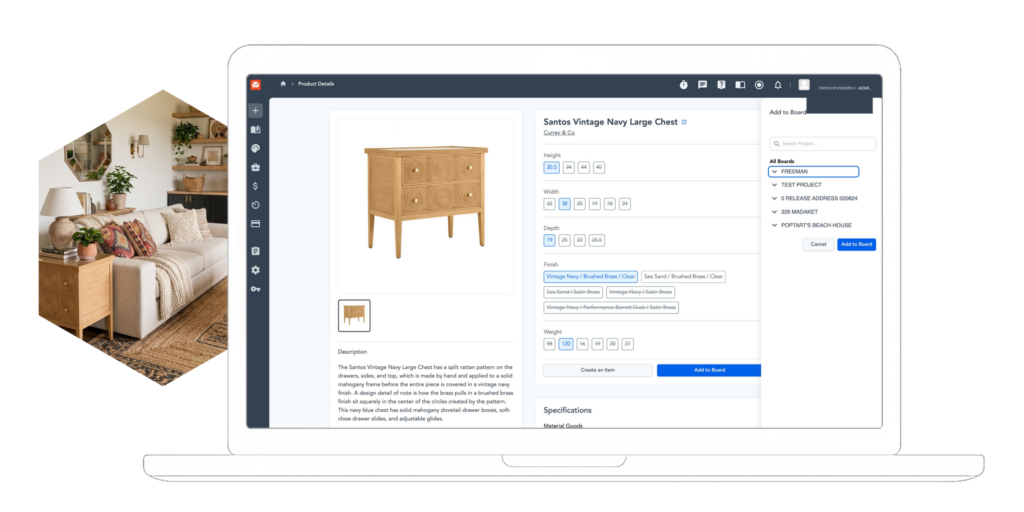
This is what 250,000 products, AI rendering, and zero tab switching looks like.
Catalog connects every part of the sourcing process, from first discovery to final specification.
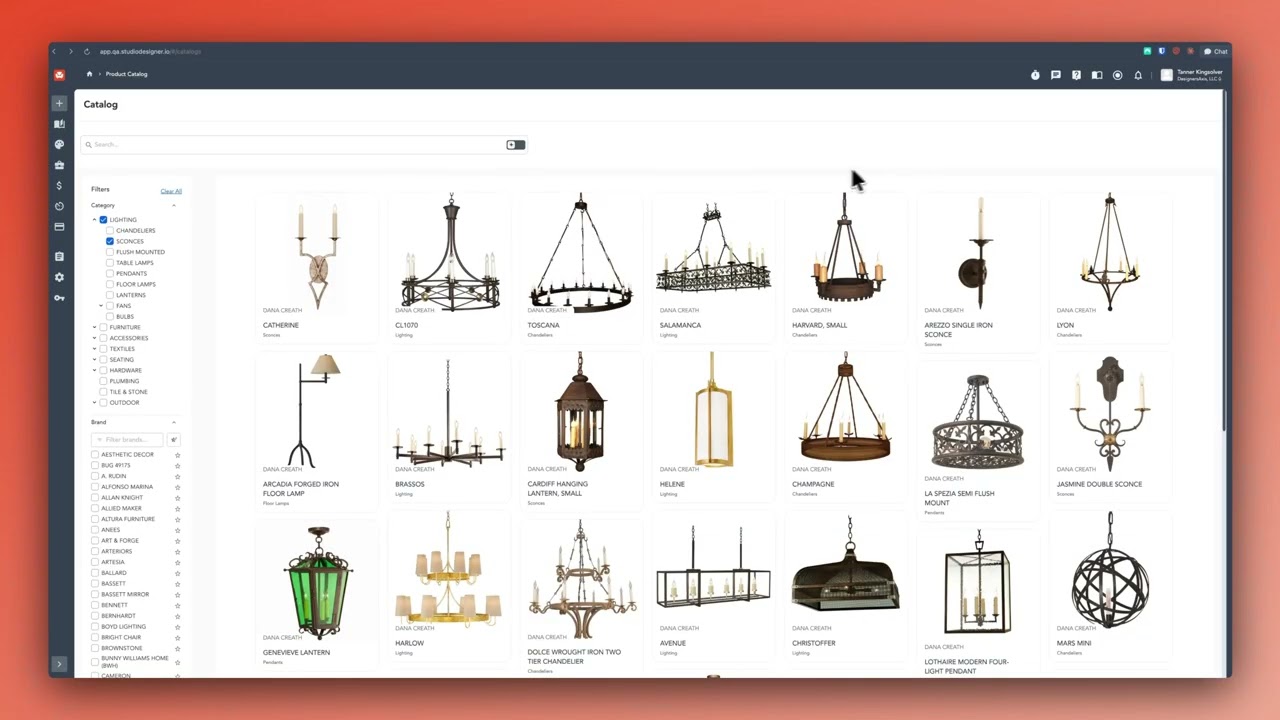

Ready to change how you source?
Join 20,000+ designers who rely on Studio Designer to power their business
Manage your interior design projects from start to finish

Project Management
Capture, track, and manage hundreds of details on an unlimited number of projects — powered by an item-based integrated system built for your business.

Proposals & Sourcing
Instantly collect product details from vendor websites with Studio Capture. Quickly create and share proposals, invoices, and orders in just a few clicks.

Client Portal
Streamline client approvals and payments all in one cohesive space. Get feedback and funds through Client Portal to keep projects moving quickly.

“With Studio Designer it’s all in one place… Prior to Studio Designer, we were using spreadsheets and QuickBooks. It was a hodgepodge, it was inefficient, and it was cumbersome.”
Steven Miller
Firm Principal, Steven Miller Design Studio
Frequently asked questions

Let’s get started!
Fill out the form below to schedule time with a sales team member to learn more about Studio Designer.